
Quick answer: Web archiving works by deploying automated crawlers that fetch web pages, images, and scripts using seed URLs. These raw HTTP transactions are packaged into standardized WARC files and stored for long-term access, ensuring dynamic online content survives software updates and domain shutdowns.
Key takeaways
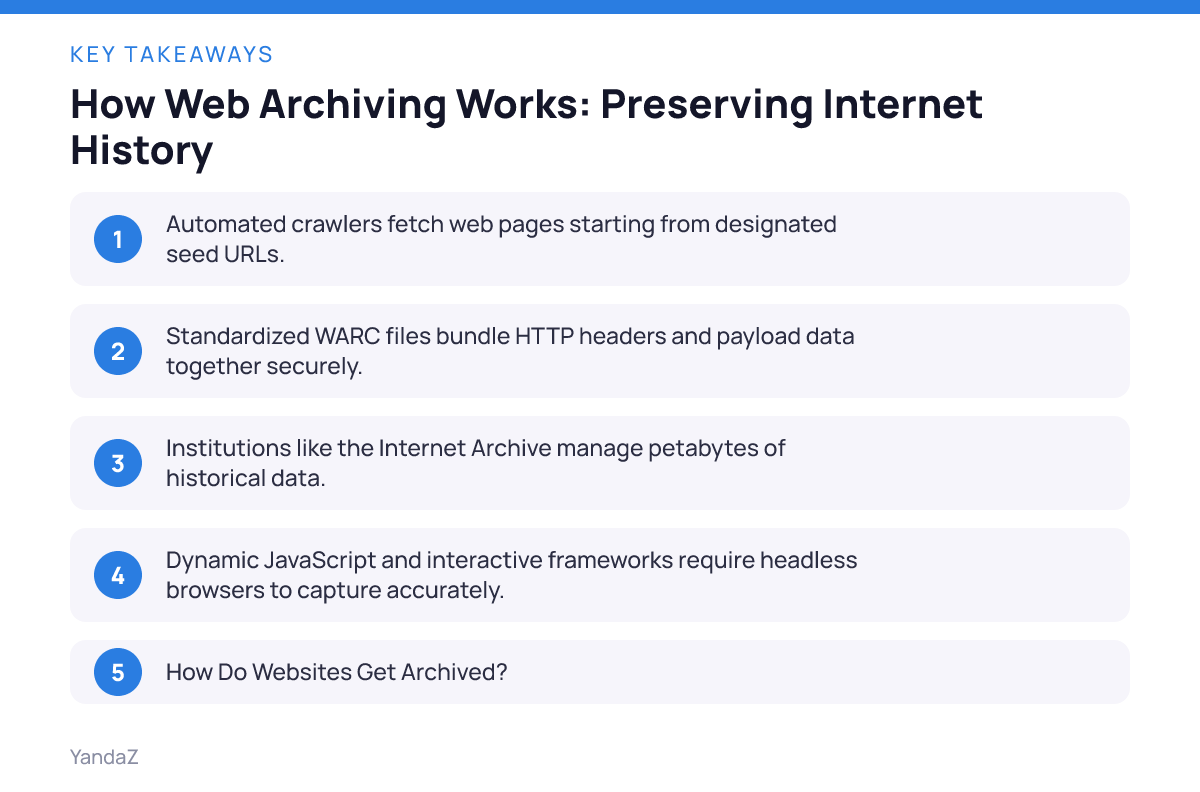
- Automated crawlers fetch web pages starting from designated seed URLs.
- Standardized WARC files bundle HTTP headers and payload data together securely.
- Institutions like the Internet Archive manage petabytes of historical data.
- Dynamic JavaScript and interactive frameworks require headless browsers to capture accurately.
How Do Websites Get Archived?
Web archiving starts when an archivist hands a list of seed URLs to an automated crawler. That seed list acts as a starting point. The software fetches the homepage, parses the HTML for hyperlinks, and queues up those newly discovered addresses for downloading.
Imagine a researcher at a state university who wants to preserve a local election portal before it gets taken down. They input the main domain into a crawler. The system requests the page, reads the code.
Pulls down every linked PDF, stylesheet, and image associated with the candidates. This ensures that the snapshot looks and functions like the original experience.
Behind the interface, these tools record the exact HTTP response headers. They save the server status codes to prove whether a page loaded properly during capture. If a server returns a 404 error, the crawler logs the failure and moves to the next item on its list. This meticulous capture protocol prevents gaps in the historical record.
Seed selection requires careful planning. If you point a crawler too broadly, it’ll swallow unrelated subdomains and overwhelm storage arrays. Archivists narrow their scopes by defining domain boundaries, setting path restrictions.
Excluding volatile file types like massive video feeds. They adjust these parameters before every major harvest cycle to keep datasets clean and manageable.
Robts.txt files dictate what software can and can’t touch. Responsible crawlers read these permission files automatically. If a webmaster blocks automated access, the capture tool respects those boundaries unless institutional policies overrule them for preservation mandates. This balance keeps digital collection efforts ethical and legally sound.
Photo by Taylor Vick on Unsplash
What Is Web Preservation?
Web preservation means storing collected digital files in formats that remain readable decades later. Raw HTML and standard image files resist decay better than proprietary database entries. Memory institutions face a massive challenge here because scholarly publications, campaign materials, government documents.
News exist only on the web.
Dynamic code breaks standard preservation models. Modern sites rely heavily on JavaScript frameworks to render content on the fly. A basic text scraper misses these interactive elements entirely. Archivists must deploy headless browsers that execute scripts locally, capturing the DOM after all asynchronous requests finish loading.
💡 Pro tip
Always test your crawler settings on a staging server before launching a broad domain harvest to avoid accidentally hammering a live database with thousands of concurrent requests.
When the software completes a harvest, the data goes into standardized archival containers like WARC files. These packages bundle HTTP headers and payload data together into a single stream. Standards bodies maintain these specifications so future historians can unpack the raw bytes even if current web browsers disappear.
File format migration forms another layer of preservation work. When old formats become obsolete, digital curators transcode them into modern equivalents without losing semantic value. They maintain checksums to verify that files haven’t suffered bit rot or silent corruption over years of storage on spinning disks and tape backups.
Metadata tagging transforms raw byte streams into searchable records. Archivists attach Dublin Core metadata, such as creator names, capture dates, and licensing terms—to every harvested collection. Without these descriptive labels, finding a specific archived page among millions of files becomes nearly impossible.
Who Saves Historical Web Pages?
National libraries, non-profit institutions, and specialized consortia shoulder the weight of saving digital history. The Internet Archive stands out as a prominent example, operating since 1996 under the guidance of Brewster Kahle. That single organization houses petabytes of historical data.
Governments also participate directly. Agencies like the Library of Congress and various national archives run routine crawls of public domains. Meanwhile, international groups like the International Internet Preservation Consortium (IIPC) develop open source tools and standards to help smaller institutions build their own collections.
At YandaZ, visitors can explore archived digital content and information directly through the homepage Archives. Providing open access to these records ensures that public knowledge stays available for researchers, journalists, and curious citizens alike.
University libraries maintain specialized web preservation units. They capture faculty publications, campus event portals, and student organization sites before graduation cycles wipe servers clean. These institutional repositories protect local culture that national organizations routinely miss.
Corporate archives also preserve digital touchpoints. Financial institutions, technology firms, and publishing houses maintain internal web collections to track compliance history, product launches, and public relations statements over decades of operation.
How Does a Web Archive Work?
A web archive operates through a tightly integrated pipeline of crawling, normalization, storage, and indexing. First, Heritrix or a similar spider navigates the network topology. Second, the system packages the retrieved assets. Third, it writes the files to massive storage arrays designed for sequential read and write operations.
- Define the collection scope and select initial seed URLs for the harvest.
- Configure robots.txt rules and polite crawl delays to respect server bandwidth.
- Deploy crawlers to fetch HTML, CSS, JavaScript, and multimedia files.
- Package raw HTTP transactions into standardized WARC containers.
- Index the captured URLs and text content to power search engines like the Wayback Machine.
Storage efficiency remains a constant engineering hurdle. Because popular pages change multiple times a day, archives employ deduplication algorithms. If an image or script appears on ten thousand different pages within a domain, the system stores the binary file only once and references it via metadata pointers.
Replay architecture turns stored WARC packages back into browsable web pages. When you type a URL into a replay tool, software intercepts outgoing links, rewrites them to point back to the archive.
Serves the historical version in your browser window. This makes navigating past snapshots feel just like browsing the live internet.
| Tool Name | Primary Use Case | Key Feature |
|---|---|---|
| Heritrix | Large-scale institutional crawling | Extensible open-source Java architecture |
| Archive-It | Subscription-based institutional archiving | Cloud scheduling and built-in metadata management |
| ArchiveWeb.page | Manual browser-based capture | Interactive recording for complex web apps |
| File Format | Primary Content | Preservation Role |
|---|---|---|
| WARC | Raw HTTP transactions and payloads | Standard container for long-term storage |
| HTML | Markup and structural text | Human-readable webpage foundation |
| CSS/JS | Stylesheets and scripts | Ensures visual and interactive fidelity |
Will Archivists Be Replaced by AI?
Artificial intelligence will transform curation workflows, but it won’t replace the human judgment required for archival appraisal. Automated systems excel at pattern recognition, metadata tagging.
Spotting anomalies in massive WARC datasets. Yet, deciding which historical perspectives matter requires policy oversight and ethical frameworks.
Consider an archivist working for a municipal library system. They must determine whether to allocate storage space to obscure local forums or high-traffic commercial blogs. Machine learning models can suggest candidates based on traffic metrics, but human curators establish the collection development policies that reflect community values and legal mandates.
⚠️ Watch out
Relying entirely on automated AI scrapers can introduce severe bias into your collection if the underlying models filter out non-English content or unindexed subdomains.
AI also assists with quality assurance by detecting broken links and malformed stylesheets in legacy captures. Still, repairing those assets demands manual intervention by skilled professionals who understand legacy web standards.
Natural language processing models summarize large document collections quickly, helping researchers find relevant text inside petabytes of historical data. However, algorithms can misinterpret contextual tone or historical nuance, meaning professional oversight remains mandatory for archival integrity.
Image by Foundry on Pixabay
How to Preserve a Paper Document at Home?
Physical preservation requires strict environmental controls rather than complex software configurations. If you hold an aging paper document, start by removing metal staples and paper clips that rust over time. Store the item inside an acid-free, lignin-free archival box in a climate-controlled room where humidity stays low.
Avoid handling fragile paper with bare oils on your fingertips. Wear clean cotton gloves for delicate items, and keep documents away from direct sunlight to prevent ink fading. Once secured physically, scan the document at high optical resolution to create a digital master copy for everyday viewing.
📌 Example
A family heirloom letter should be flattened gently, placed inside a polyester Mylar sleeve, and kept flat in a dark drawer away from attic heat fluctuations.
When the physical medium degrades beyond repair, digital backups ensure the text survives. Upload your high-resolution scans to secure cloud storage or specialized local drives with redundant parity checks.
Paper acidity causes yellowing and brittleness over decades. Deacidification sprays neutralize harmful compounds in historical letters, but amateurs should consult professional conservators before applying chemical treatments to rare items.
Is Internet Archive Completely Safe?
No digital repository is entirely safe from catastrophic failure, legal pressure, or hardware degradation. While the Internet Archive implements redundancy across multiple data centers and utilizes specialized storage architectures like PetaBox, unforeseen risks always exist.
Server fires, cyberattacks, and shifting copyright litigation pose genuine threats to centralized digital libraries. For instance, high-profile legal battles over digital lending have forced institutions to defend their operational models in federal courts. These challenges can restrict public access to specific collections temporarily.
Institutions mitigate these risks through geographical distribution. Copies of critical web archives are frequently mirrored by partner libraries across different continents. Relying on a single provider leaves your research vulnerable, so professional historians often maintain local caches of essential source material.
Hardware failures happen even in enterprise data centers. Hard drives burn out, power supplies fail, and storage arrays degrade. Regular integrity audits and automated parity checks catch silent errors before data loss becomes permanent.
Key insight
Web archiving turns a chaotic, transient medium into a reliable historical record by capturing raw HTTP data and structuring it for future generations.
Preserving online history requires continuous technical adaptation. Whether you’re studying old interface designs or exploring YandaZ to view saved digital content, understanding the underlying mechanics clarifies how fragile our shared digital culture truly is.
Photo by T6 Adventures on Pexels

Frequently asked questions
How do websites get archived?+
Websites get archived when automated crawling software visits a list of seed URLs, downloads HTML files, images, stylesheets, and scripts, and packages them into permanent formats. Archivists configure these crawlers to follow internal links while respecting server bandwidth rules. This process captures transient web pages before domains expire or content changes. When a server returns an error or blocks the request, the crawler logs the event and moves forward. Automated batch scheduling lets institutions capture entire domains on a regular schedule, creating a dependable timeline of internet history over years of operation.
What is web preservation?+
Web preservation is the practice of storing digital files in stable formats that remain readable long after current web technologies become obsolete. It involves capturing dynamic JavaScript applications, transcoding legacy media, and bundling raw HTTP transactions into standardized containers like WARC files. Memory institutions use these methods to protect scholarly publications and news from digital decay. When old browsers disappear, preserved files allow future generations to unpack raw bytes and view original web pages accurately. Regular integrity audits ensure that stored data files resist bit rot over decades.
Who saves historical web pages?+
National libraries, non-profit institutions, and specialized consortia take responsibility for saving historical web pages. Organizations like the Internet Archive operate large-scale public repositories, while government agencies run routine crawls of public domains. Academic libraries also preserve local campus research portals and regional election sites. International coalitions develop open source tools to help smaller groups build custom collections. When centralized repositories face legal or technical disruptions, decentralized mirroring ensures that public digital records survive intact for researchers worldwide.
How does a web archive work?+
A web archive works through a pipeline of crawling, normalization, storage, and replay indexing. Specialized spiders navigate network structures to download raw HTTP payloads, which are then compressed into WARC files and indexed for search engines. Deduplication algorithms ensure that repetitive assets like site logos are stored only once to save disk space. When a user requests an old snapshot, replay software rewrites internal links so visitors can browse historical web pages smoothly. This engineering pipeline transforms chaotic, ever-changing internet traffic into structured, searchable historical collections.
Will archivists be replaced by AI?+
Artificial intelligence won’t replace human archivists because machine learning tools lack the ethical judgment required for collection appraisal. While AI excels at automated metadata tagging, spam detection, and anomaly spotting in massive datasets, human curators must define collection policies and community values. Archivists weigh historical significance against storage costs when deciding what to save. AI models can introduce bias if they filter out non-English content without supervision. Therefore, skilled professionals remain essential for guiding preservation strategies and ensuring long-term historical accuracy.
How to preserve a paper document at home?+
Preserving a paper document at home requires removing damaging metal fasteners and storing items inside acid-free archival boxes within a climate-controlled room. You should wear clean cotton gloves to prevent skin oils from degrading fragile paper, and keep items away from direct sunlight. Once secured physically, scan the document at high resolution to create a digital master copy. When physical mediums degrade beyond repair, digital backups ensure survival. Professional conservators should be consulted before applying chemical deacidification sprays to rare family heirlooms or fragile historic letters.
Is Internet Archive completely safe?+
No digital repository is entirely safe from hardware failure, cyberattacks, or legal pressure. While the Internet Archive uses redundant data centers and specialized PetaBox storage architectures to protect its holdings, unforeseen risks like server fires or copyright litigation still occur. Courts can temporarily restrict public access during intellectual property disputes. Institutions mitigate these vulnerabilities through geographical mirroring across multiple continents. Researchers who need absolute certainty often maintain local caches of vital source material rather than relying on a single provider.